
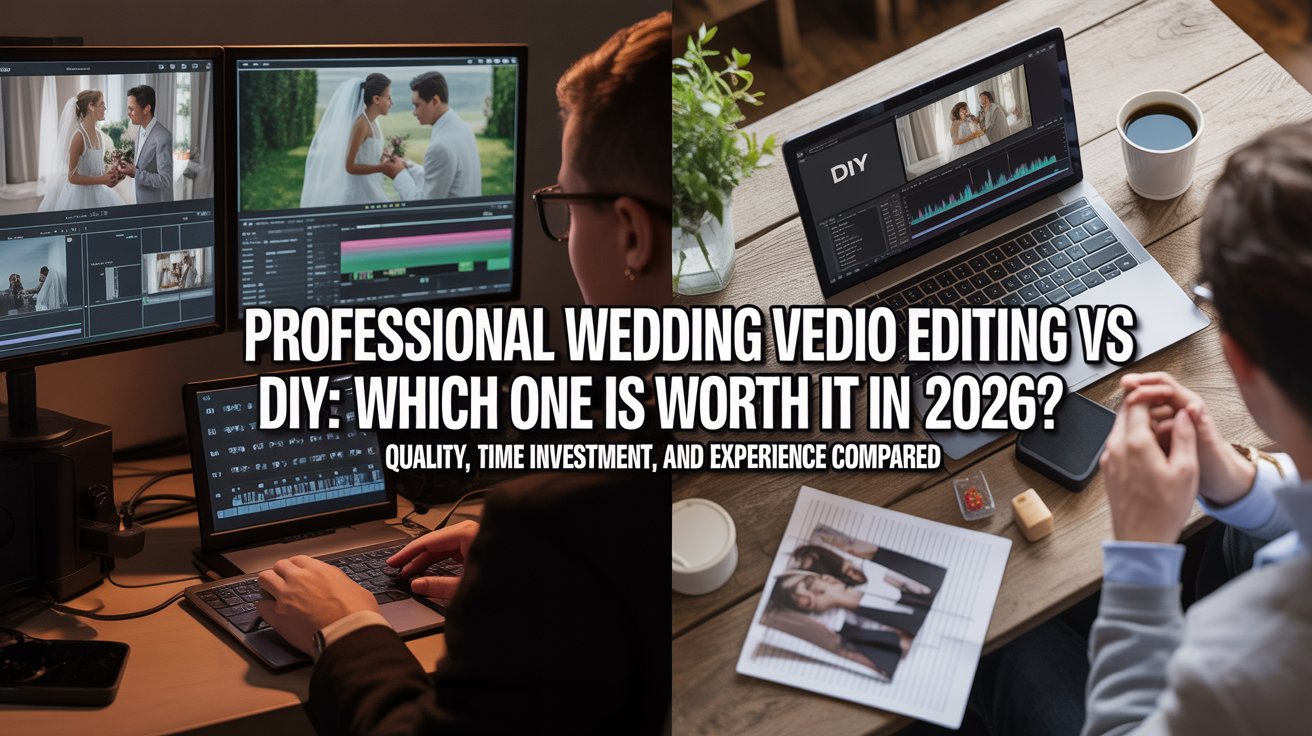
Choosing between professional wedding video editing vs DIY affects your final video quality, time investment, and overall experience. While DIY saves money upfront, professional editing delivers consistent, cinematic results. So, the right choice depends on your budget, skills, and expectations.
What Is DIY Wedding Video Editing?
DIY wedding video editing means you edit your own footage using software. Usually, beginners choose this to save money or stay in control.
You need:
- Editing software
- Basic editing knowledge
- Time for learning and revisions
Popular DIY Wedding Video Editing Tools
- Beginner tools: Filmora, iMovie
- Advanced tools: Adobe Premiere Pro, Final Cut Pro
These tools help, but results depend on your skill level.
What Is Professional Wedding Video Editing?
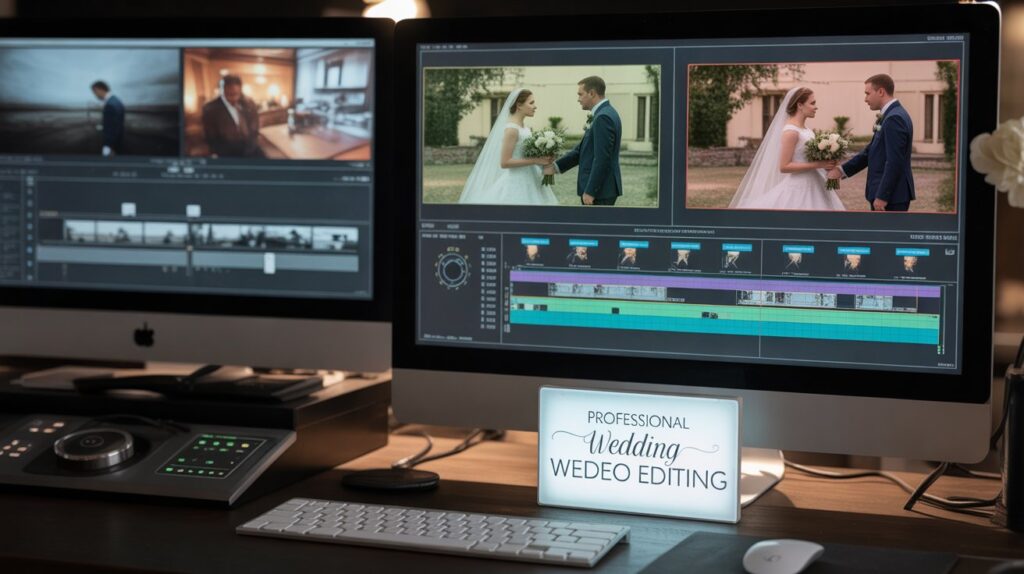
Professional wedding video editing means hiring experts who turn raw footage into a polished film. They follow a structured workflow and apply storytelling techniques.
What Do Professional Editors Actually Do?
- Color correction and cinematic grading
- Clean audio syncing
- Smooth transitions
- Story-driven sequencing
As a result, your video looks natural, emotional, and consistent.
DIY vs Professional Wedding Video Editing (Quick Comparison)
| Factor | DIY Editing | Professional Editing |
|---|
| Cost | Low upfront | Higher upfront |
| Time | Very high | Minimal |
| Quality | Inconsistent | Cinematic |
| Skills | Required | Not needed |
| Risk | High | Low |
This table shows a clear trade-off between cost and quality.
Pros and Cons of DIY Wedding Video Editing
Pros
- Lower cost
- Full creative control
- Flexible timeline
Cons
- Takes many hours
- Requires learning
- Quality may suffer
Therefore, DIY works best only if you accept these limits.
Pros and Cons of Professional Wedding Video Editing
Pros
- High-quality output
- Saves time
- Strong storytelling
Cons
- Costs more
- Limited control in some cases
However, the value often outweighs the cost.
Wedding Video Editing Cost: DIY vs Professional
DIY seems cheaper, but hidden costs exist:
- Software subscriptions
- Time investment
- Trial-and-error mistakes
On the other hand, professional editing costs more upfront. Yet, it delivers consistent results without risk.
In many cases, cheap editing becomes expensive when rework is needed.
When Should You Choose DIY Wedding Video Editing?
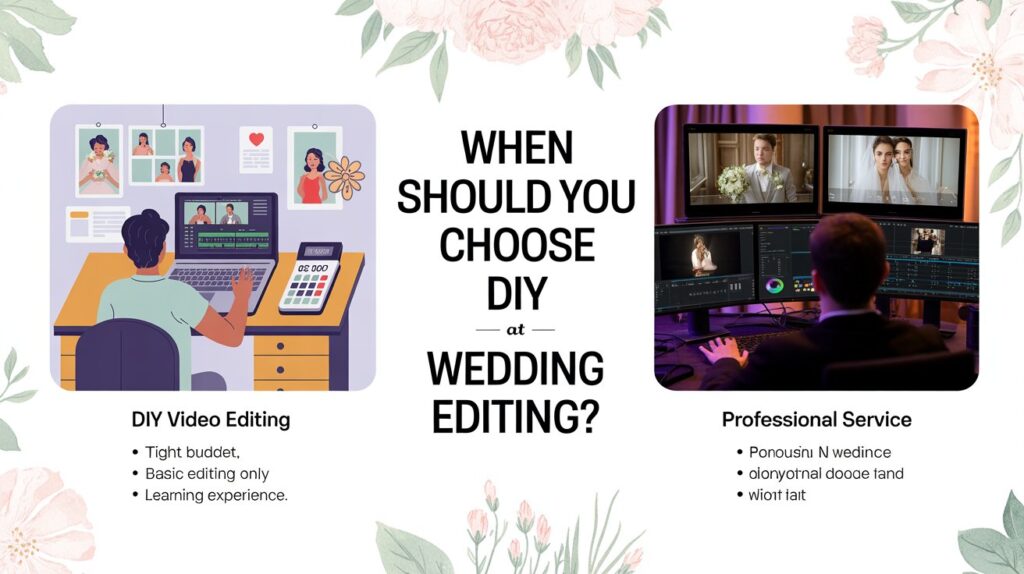
Choose DIY if:
- You have a tight budget
- You need basic editing only
- You want to learn video editing
Otherwise, results may not meet expectations.
When Should You Hire a Professional Wedding Video Editor?
Hire a professional if:
- You want cinematic quality
- You lack time
- You are working with clients
If quality matters, working with experts like Video Creatorss ensures better results. You can explore their services here:
👉https://videocreatorss.com/services/
For direct inquiries:
👉https://videocreatorss.com/contact-us/
Ready to start?
👉https://videocreatorss.com/book-now/
Common DIY Wedding Video Editing Mistakes to Avoid
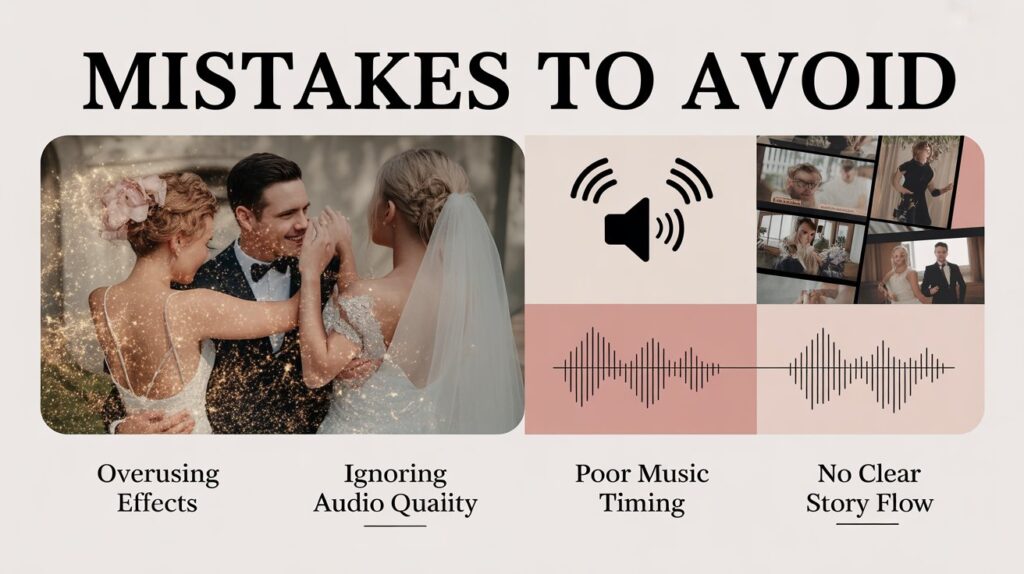
Many beginners make these mistakes:
- Overusing effects
- Ignoring audio quality
- Poor music timing
- No clear story flow
Avoiding these improves your final output.
Conclusion
DIY is suitable for low-budget projects. However, professional editing wins in quality, speed, and reliability.
So, if your goal is a polished wedding film, hiring a professional is the better choic
FAQs
Is DIY wedding video editing worth it?
It is worth it only if you have time and basic skills. Otherwise, results may not meet expectations.
How much does professional wedding video editing cost?
Costs vary, but most services charge based on video length and complexity.
Can beginners edit wedding videos?
Yes, but beginners often struggle with storytelling and quality control.
What is the best software for wedding video editing?
Popular options include Adobe Premiere Pro and Final Cut Pro for advanced editing.