
Wedding video editing turns raw clips into a meaningful story. However, quality depends on process, tools, and experience. That’s why professional teams like Video Creatorss follow structured workflows, quality checks, and storytelling techniques to deliver consistent results.
If you want cinematic output instead of basic cuts, understanding this guide will help you make the right decisions.
What Is Wedding Video Editing and Why It Matters
Wedding video editing means selecting, arranging, and enhancing footage to create a final film. It improves clarity, emotion, and flow.
Without proper editing:
- Videos feel random
- Emotions are lost
- Quality looks average
As a result, editing directly defines how your wedding is remembered.
Wedding Video Editing Workflow (Step-by-Step Process)
A clear workflow ensures consistent and professional results.
Step 1: Import and Organize Footage
First, sort clips by event (ceremony, reception). This saves time later.
To understand how professionals manage this step, review this detailed wedding video editing workflow.
Step 2: Select Best Moments
Next, remove unnecessary clips. Focus only on emotional and important scenes.
Step 3: Build a Storyline
Then, arrange clips into a beginning, middle, and ending. This creates natural flow.
Step 4: Add Music and Sync Audio
After that, choose music that matches the mood. Also, clean and sync audio for clarity.
Step 5: Apply Color Grading
Now adjust colors to create a cinematic look. This improves visual appeal instantly.
Step 6: Add Transitions and Effects
Use smooth transitions. However, avoid overuse to maintain a professional feel.
Step 7: Export and Final Delivery
Finally, export in high quality. Choose formats based on platform needs.
For social platforms, check the best wedding video formats for Instagram and TikTok
Best Wedding Video Editing Techniques for Cinematic Results
Cinematic videos require more than basic cuts.
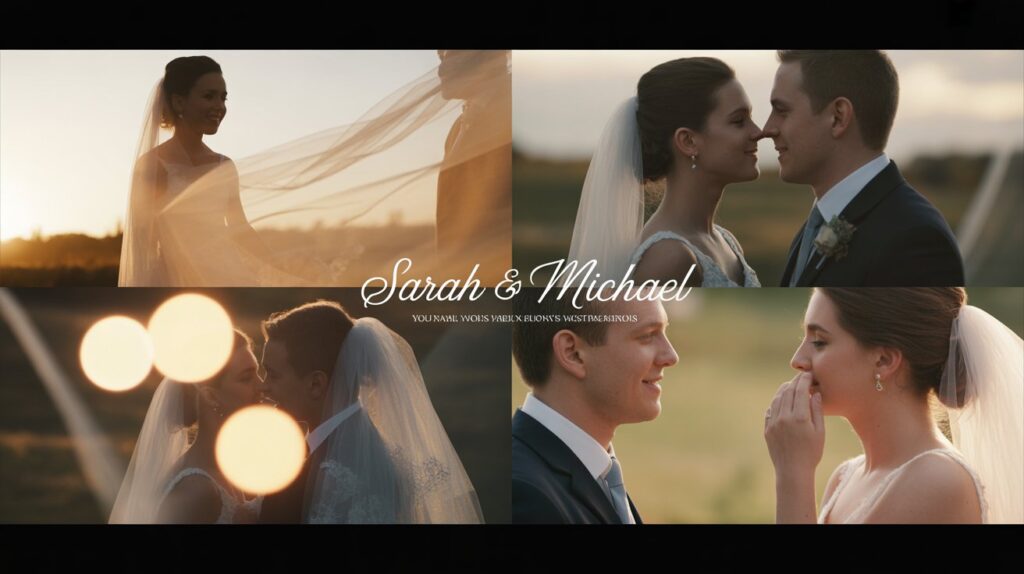
- Use storytelling instead of random clips
- Maintain smooth pacing
- Apply consistent color tones
- Balance audio and music
To improve emotional impact, learn from this emotional wedding video editing guide.
Wedding Video Editing for Beginners (Easy Tips)
If you are new, start simple.
- Use beginner-friendly tools
- Focus on clean cuts
- Avoid heavy effects
Also, explore the best wedding video editing software to choose the right tools:
Best Wedding Video Editing Software in 2026
Choosing the right software improves speed and quality.
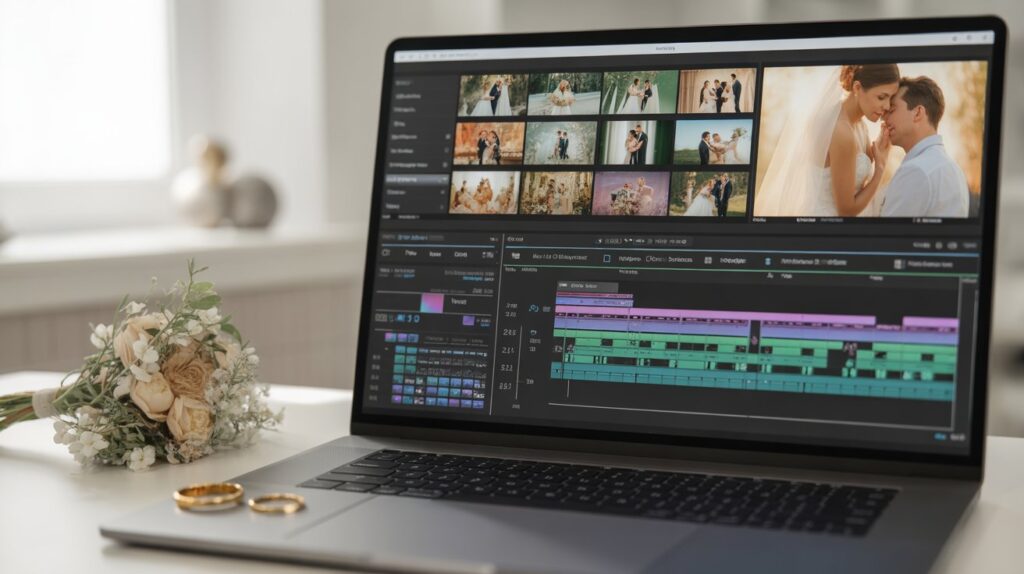
Beginner Tools
- Easy interface
- Quick learning
Professional Tools
- Advanced control
- Better output
Additionally, AI tools are changing editing. You can explore AI wedding video editing tools now.
Common Wedding Video Editing Mistakes to Avoid
Avoiding mistakes improves results quickly.
- Poor pacing
- Wrong music
- No storytelling
- Overuse of effects
If your video already feels dull, read this fix guide:
👉 https://videocreatorss.com/2026/04/05/why-your-wedding-video-looks-boring/
DIY vs Professional Wedding Video Editing
DIY editing saves money but requires time and skills. In contrast, professionals deliver faster and better results.
For a detailed comparison, read:
👉 https://videocreatorss.com/2026/01/06/wedding-video-editing-cost-vs-value/
Wedding Video Editing Cost and Pricing Guide
Costs depend on:
- Video length
- Editing complexity
- Service quality
To understand pricing better, check the wedding video editing pricing.
AI in Wedding Video Editing (Future of Editing)
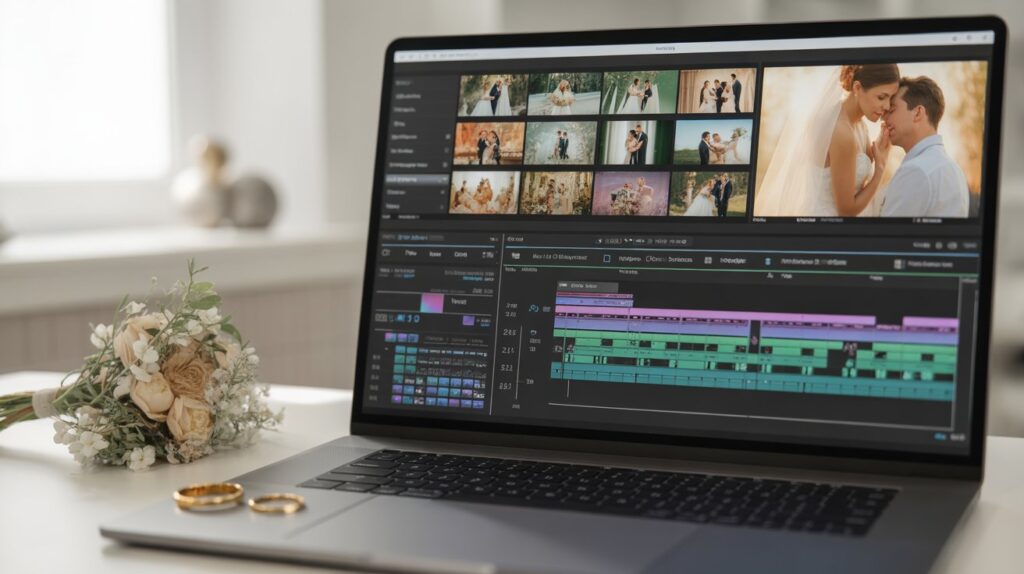
AI speeds up editing tasks like cutting and syncing. However, storytelling still needs human input.
For deeper comparison, explore:
👉 https://videocreatorss.com/2025/11/17/ai-video-editing-vs-human-editing/
Get Professional Wedding Video Editing Services
Choosing the right service ensures your memories are safe.
Video Creatorss offers:
- Structured editing workflow
- Consistent cinematic quality
- Fast turnaround
👉 Visit: https://videocreatorss.com/
👉 Book now: https://videocreatorss.com/book-now/
Conclusion:
Wedding video editing is the key step that turns raw footage into a meaningful story. While tools and techniques matter, the real difference comes from structure, timing, and storytelling.
If you follow a clear workflow, avoid common mistakes, and focus on emotion, your video will look more engaging and professional. However, if you want consistent, cinematic results without risk, working with experts is the smarter choice.
FAQs
What is wedding video editing?
It is the process of turning raw footage into a polished and structured video.
How long does wedding video editing take?
It usually takes a few days to weeks, depending on complexity.
What is the best software for wedding video editing?
Professional tools like Premiere Pro and Final Cut Pro are widely used.
Can I edit my wedding video myself?
Yes, but it requires time, skills, and proper tools.
How do professionals edit wedding videos?
They follow a structured workflow, apply storytelling, and ensure quality control.