
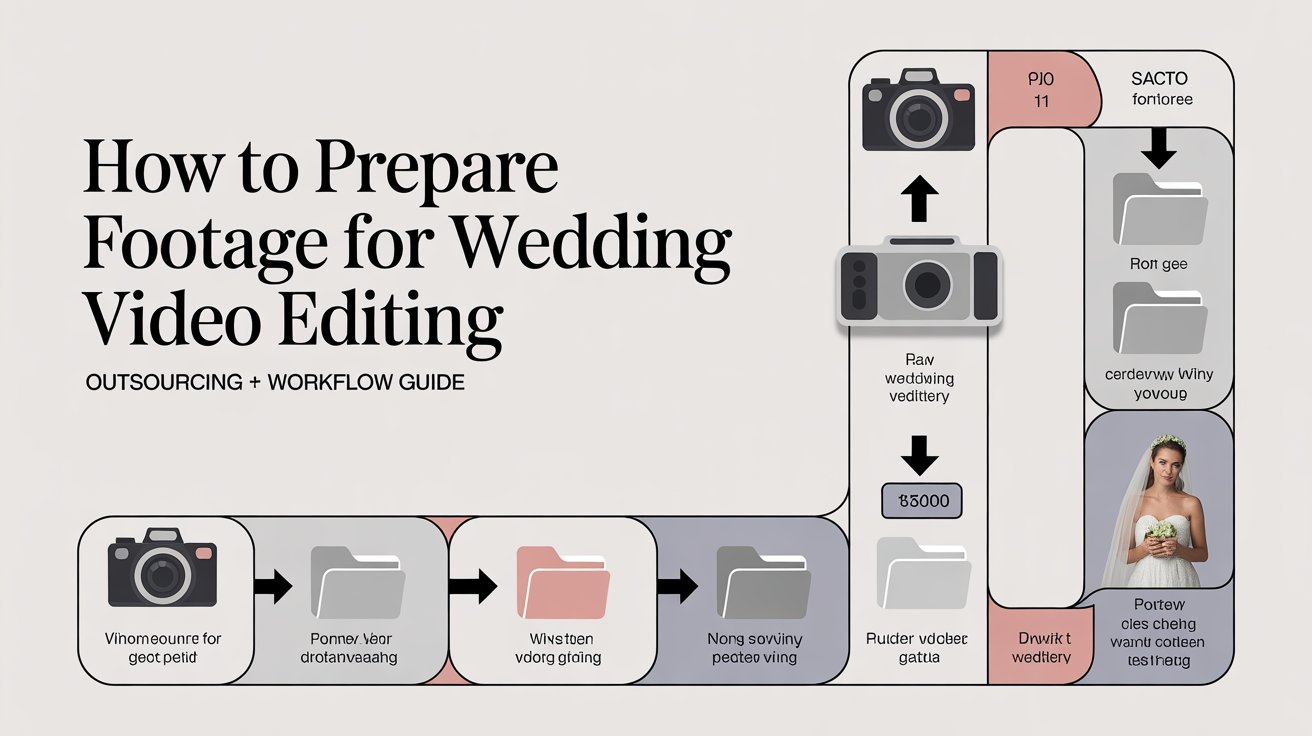
Preparing footage is the first step in wedding video editing. If footage is not organized, editing becomes slow and inconsistent. That’s why professional teams like Video Creatorss follow a structured system before editing begins.
This guide explains how to prepare footage properly and how it connects with outsourcing and workflow efficiency.
Why Proper Footage Preparation Matters
Unorganized footage creates delays and errors. However, structured preparation improves speed and quality.
Key benefits:
- Faster editing workflow
- Better storytelling
- Reduced revision time
Therefore, preparation directly impacts final output.
Wedding Video Editing Workflow: Where Preparation Fits
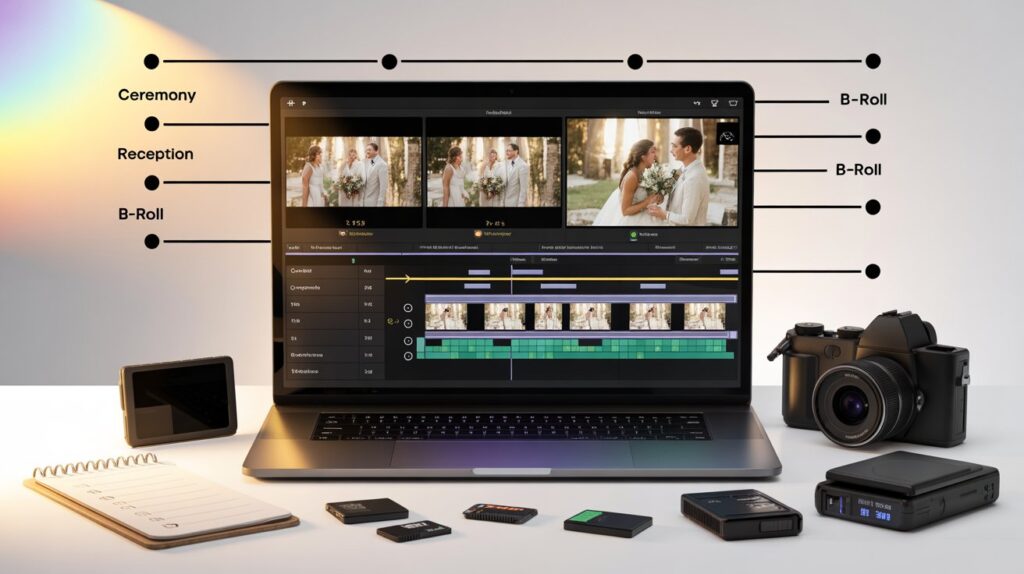
Preparation is the first stage of the editing workflow. Without it, the rest of the process becomes inefficient.
To understand the full process, review this wedding video editing workflow.
Step-by-Step: How to Prepare Footage for Wedding Video Editing
Follow this step-by-step process to organize your footage properly so editing becomes faster, smoother, and more consistent.
Step 1: Organize Files Properly
Create folders for each event:
- Ceremony
- Reception
- Highlights
This structure saves time during editing.
Step 2: Rename and Sort Clips
Clear naming avoids confusion. For example, use “Ceremony_Clip1” instead of random file names.
Step 3: Remove Unusable Footage
Delete blurry, shaky, or duplicate clips. This reduces clutter and speeds up editing.
Step 4: Select Key Moments
Choose emotional and important scenes. These clips build the final story.
Step 5: Sync Audio and Video
Match audio with clips early. This avoids delays later in editing.
Step 6: Export in the Right Format
Use high-quality formats. Also, ensure files are compatible with editing software.
For platform optimization, check the best wedding video formats for Instagram and TikTok.
Common Mistakes When Preparing Wedding Footage
Avoid these mistakes to improve workflow:
- No folder structure
- Keeping unnecessary clips
- Poor file naming
- Ignoring audio sync
If your final video still lacks impact, review this boring wedding video fix guide.
How Proper Preparation Helps in Outsourcing Wedding Video Editing
When you outsource editing, clean footage makes a big difference. Editors can start work immediately without confusion.
Benefits of prepared footage:
- Faster delivery
- Fewer revisions
- Better communication
To understand outsourcing benefits, explore outsourcing wedding video editing.
DIY Preparation vs Professional Workflow
DIY preparation works if you understand the process. However, professionals follow tested systems that reduce errors.
For cost vs value comparison, check:
👉 https://videocreatorss.com/2026/01/06/wedding-video-editing-cost-vs-value/
When Should You Let Professionals Handle Footage Preparation
You should choose professionals if:
- You have large or complex footage
- You want faster delivery
- You need consistent quality
For expert services, visit video creatorss:
Need support?
👉 https://videocreatorss.com/contact-us/
Start your project:
👉 https://videocreatorss.com/book-now/
Pro Tips for Better Wedding Footage Preparation
Small improvements can save hours of work.
- Keep backup files
- Use consistent file naming
- Organize clips by timeline
- Focus on quality over quantity
Conclusion
Wedding video editing starts before editing begins. Proper footage preparation improves speed, quality, and final results.
If you follow a structured workflow, your editing process becomes easier. However, for consistent and professional results, outsourcing to experts remains the best option.
FAQs
How to prepare footage for wedding video editing?
Organize files, remove unusable clips, select key moments, and sync audio before editing.
Why is footage preparation important in video editing?
It improves workflow speed, reduces errors, and ensures better final quality.
Can I prepare wedding footage myself?
Yes, but it requires proper organization and basic editing knowledge.
Does preparation help in outsourcing video editing?
Yes, clean and organized footage helps editors work faster and deliver better results.